








Gerador
História
Gerador de plantas AI
Ferramenta de Mudança
Modelo
Básico
Trocar
Quartos
quarto
-
2
+
banheiro
-
1
+
Cozinha
aberto
fechado
Área bruta
Unidade Métrico
 imperial
Métrico imperialÁrea
< 50㎡
50-80㎡
80-100㎡
100-120㎡
120-150㎡
> 150㎡
Extras
guarda-roupa walk-in
sala de lavagem
sala de armazenamento
sala de serviço
escritório em casa
garagem
despensa
sala e jantar combinados
balcão

Transform Your Ideas into an AutoCAD Floor Plan Instantly
Say goodbye to complex drafting and hello to efficiency with Ideal House's AI Floor Plan Generator. Our intuitive tool lets you create professional-grade 2D floor plans in seconds, a true alternative to traditional AutoCAD floor plan methods. Perfect for homeowners, real estate professionals, and designers, it simplifies space planning and brings your vision to life.
Generate My Floor Plan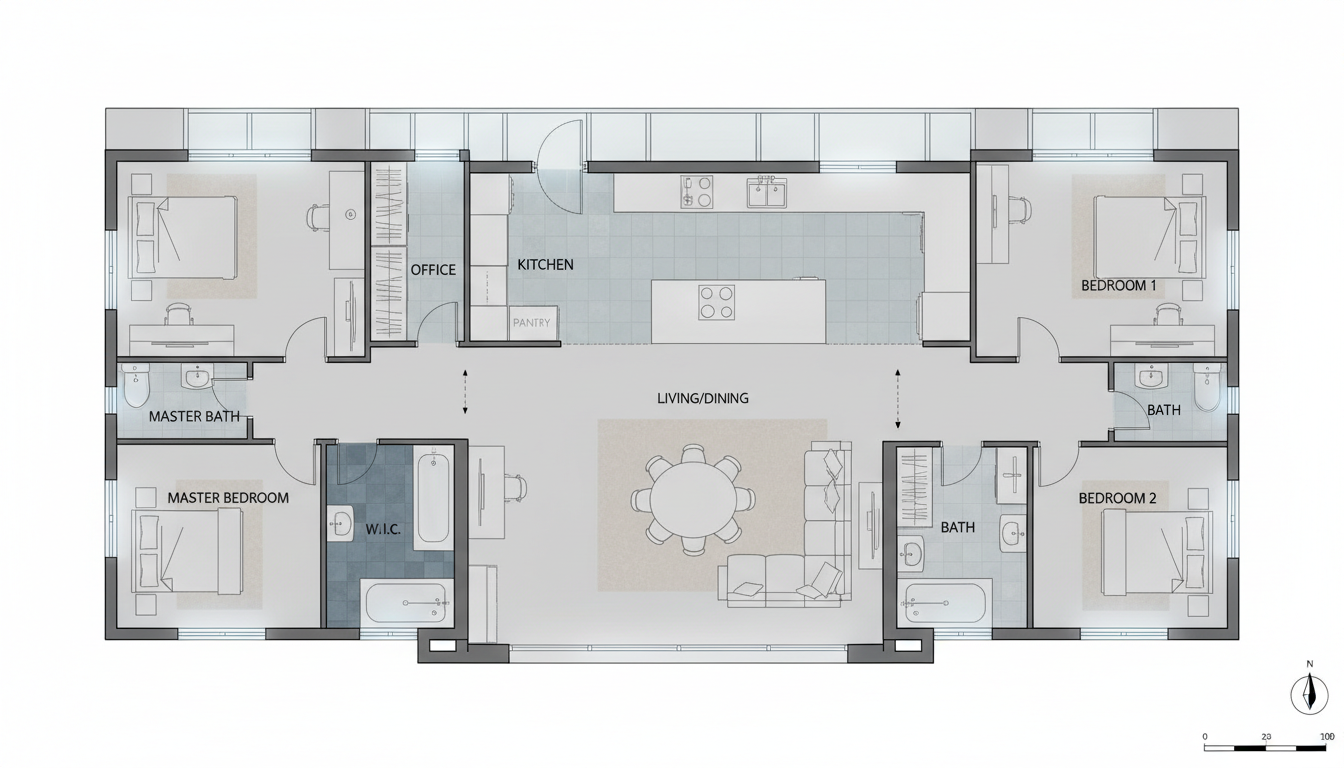


Why Choose Ideal House for Your AutoCAD Floor Plan Needs?

Speed & Simplicity Beyond Traditional AutoCAD Floor Plan Tools
Traditional architectural drawing can be time-consuming and require specialized skills. Our AI Floor Plan Generator streamlines the process, allowing anyone to create detailed floor plans with just a few clicks. Input your desired rooms, kitchen style, and gross area, and watch as our AI instantly produces a precise 2D floor plan, significantly faster than any manual drafting software.
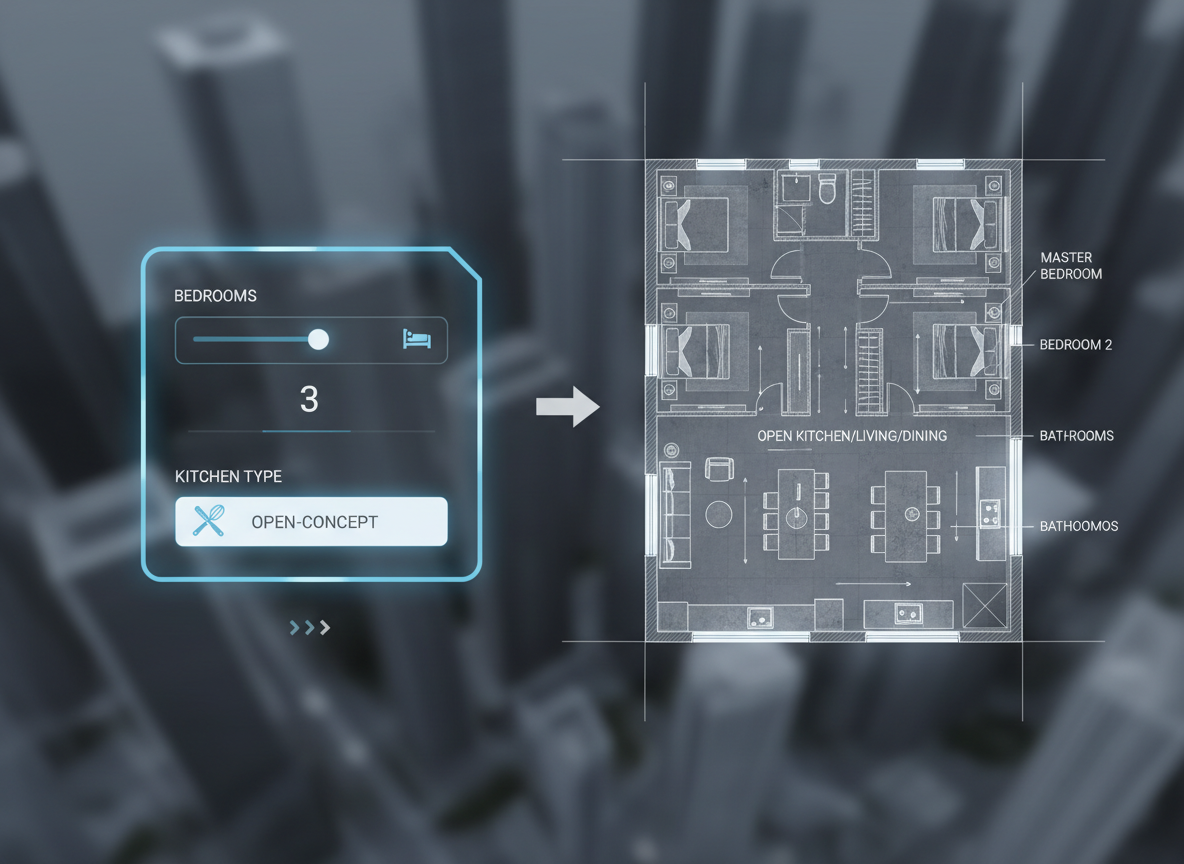
Parametric Design for Perfect House Plans
Our intelligent system lets you define key parameters like bedrooms (0-4), bathrooms (1-3), and open or closed kitchens. Add specific 'extras' such as a walk-in closet, home office, or garage to guide the AI in creating house plans tailored to your exact needs. This level of control ensures your generated floor plan is always aligned with your vision for optimal space planning.
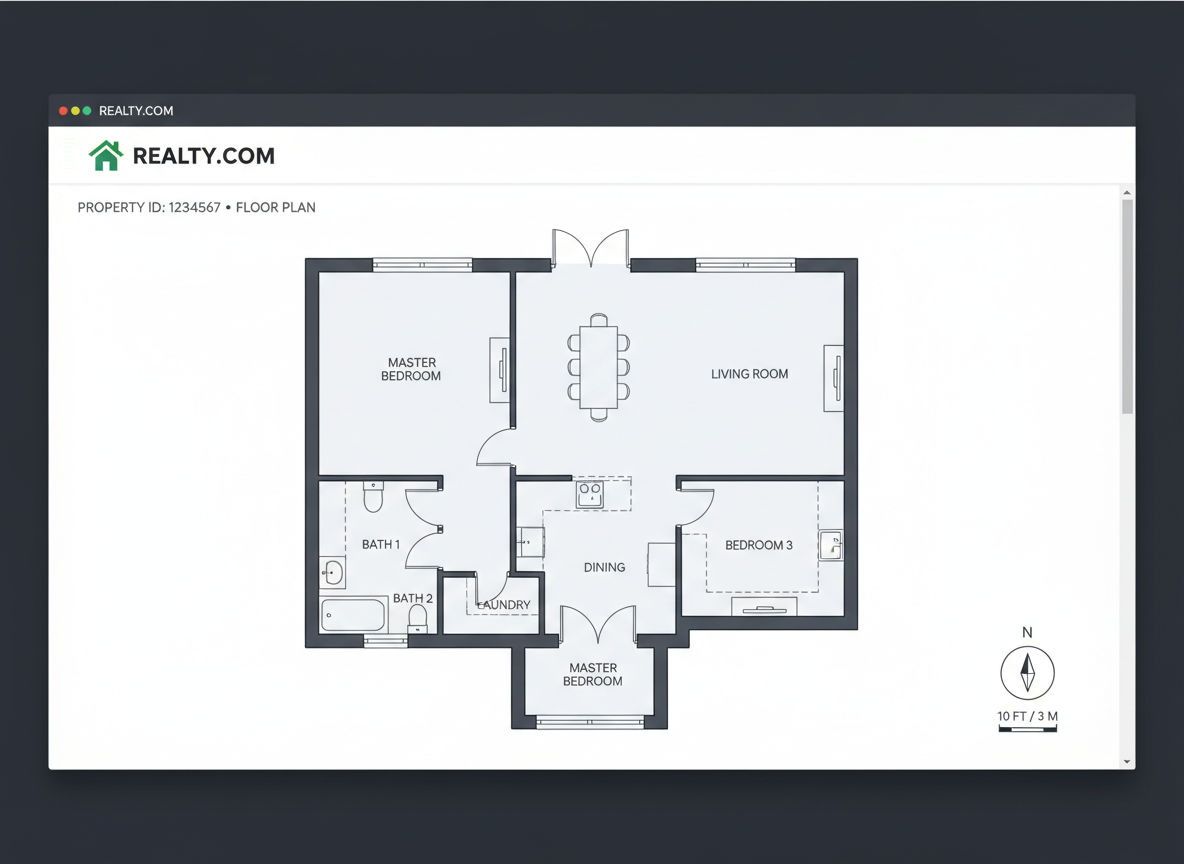
High-Quality 2D Floor Plans for Real Estate Listings
In the competitive North American real estate market, clear and professional visuals are crucial. The AI Floor Plan Generator produces clean, presentation-ready 2D floor plans that enhance property listings, helping buyers quickly grasp layout and flow. This provides a significant edge over properties without professional floor plans, boosting interest and accelerating sales. It's a game-changer for real estate agents.
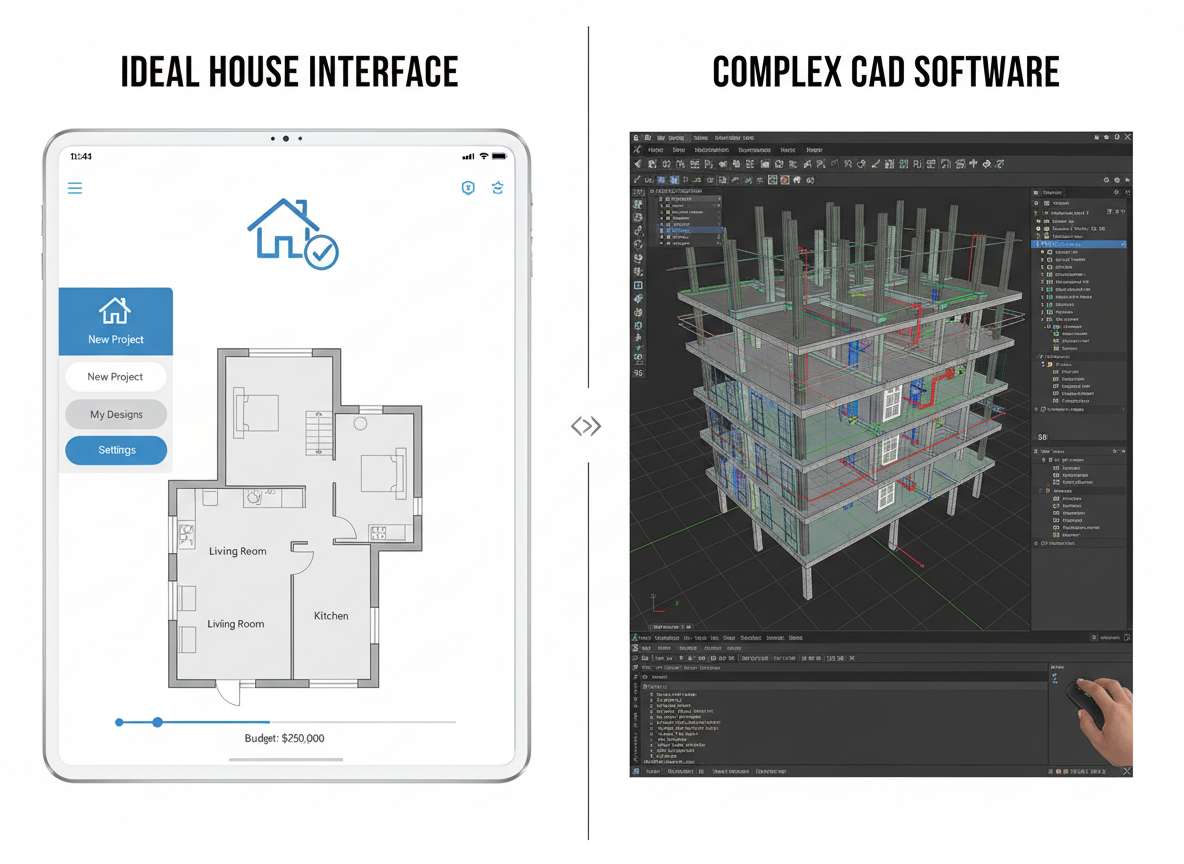
A Smart, Affordable CAD Alternative
Investing in expensive CAD software and training can be a barrier for many. Ideal House offers a powerful, user-friendly, and cost-effective alternative for generating an AutoCAD floor plan or any blueprint maker needs. Get access to advanced architectural drawing capabilities without the steep learning curve or high price tag. It's the ideal solution for both professionals and DIY enthusiasts seeking quality building plans.

Who Benefits from Our AI Floor Plan Generator?

Homeowners & DIY Planners: Experiment with room planner layouts and visualize renovations.

Interior Designers & Decorators: Quickly generate and iterate on conceptual 2D floor plans for clients.

Real Estate Agents & Brokers: Create compelling floor plans for listings to attract more buyers.

Contractors & Consultants: Translate verbal briefs into clear, actionable building plans for projects.

Generate Your AutoCAD Floor Plan in 5 Simple Steps
1
Set Rooms: Define the number of bedrooms (0-4) and bathrooms (1-3) to begin shaping your house plans.
2
Choose Kitchen Style: Select your preference for an open or closed kitchen, influencing the overall layout design.
3
Pick Gross Area: Select a target size range to guide the AI in proportioning rooms and creating an optimal 2D floor plan.
4
Add Extras: Multi-select features like a walk-in closet, home office, or balcony to customize your space planning.
5
Generate & Review: Click 'Generate', instantly see your AI-crafted floor plan, and compare versions in your Generation History.
Frequently Asked Questions About Our AI Floor Plan Generator
How does Ideal House turn my selections into a precise AutoCAD floor plan?
Our AI floor plan generator interprets your input—beds, baths, kitchen type, gross area, and desired extras—then applies smart architectural drawing principles and common adjacency rules to draft a clear 2D floor plan. Each generation provides a fresh concept, allowing for endless refinement by adjusting your parameters.
What are the available ranges for rooms and other features?
You can select 0-4 bedrooms (default 2), 1-3 bathrooms (default 1), and choose between an open or closed kitchen (default open). Gross area can be selected from various bands to best match your desired footprint. Extras are multi-selectable, including walk-in closets, laundry rooms, home offices, and more, for custom layout design.
How does 'Gross Area' influence the generated floor plan?
The gross area band guides the overall scale of your 2D floor plan. By choosing the closest band to your target size, the AI ensures that rooms, corridors, and features are proportionally correct and feel right for that specific footprint, leading to more realistic building plans.
Can I compare different versions of my floor plans?
Absolutely! Every floor plan generated is automatically saved in your 'Generation History'. You can use the 'Created with AI Floorplan' filter and switch between grid and list views to easily review and compare multiple versions side-by-side, helping you make the best space planning decisions.
Is this tool a good alternative to traditional drafting software like AutoCAD floor plan?
Yes, our AI Floor Plan Generator serves as an excellent CAD alternative. It provides the ability to create professional 2D floor plans quickly and efficiently, without the need for extensive training or expensive licenses associated with complex drafting software. It's ideal for those seeking a user-friendly blueprint maker.
Enhance Your Design Workflow with Ideal House's Related Tools
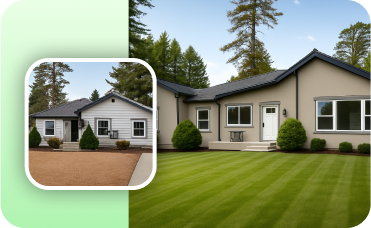
Photo Enhancer
Automatically improve the quality of your original photo for clearer, more impressive remodel results.
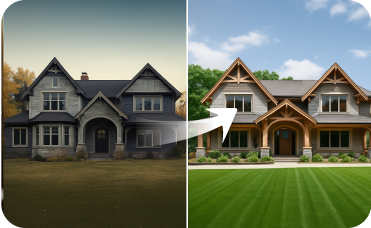
Exterior Renovator
Ensure your home's exterior matches the clean, modern aesthetic of your new interior.
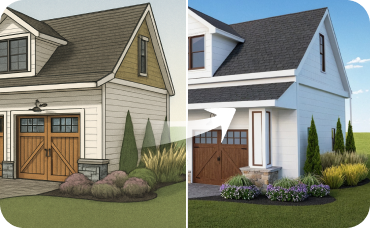
AI 3D Rendering
Transform 2D photos of your dining room into an immersive, fully editable 3D scene.
Ready to Design Your Dream Space?
Experience the future of floor plan creation. Generate your perfect AutoCAD floor plan today!
Generate My Floor Plan 
💰 Ganhe 10% de comissão como Parceiro Afiliado da Ideal House.
Junte-se a nós